
Description
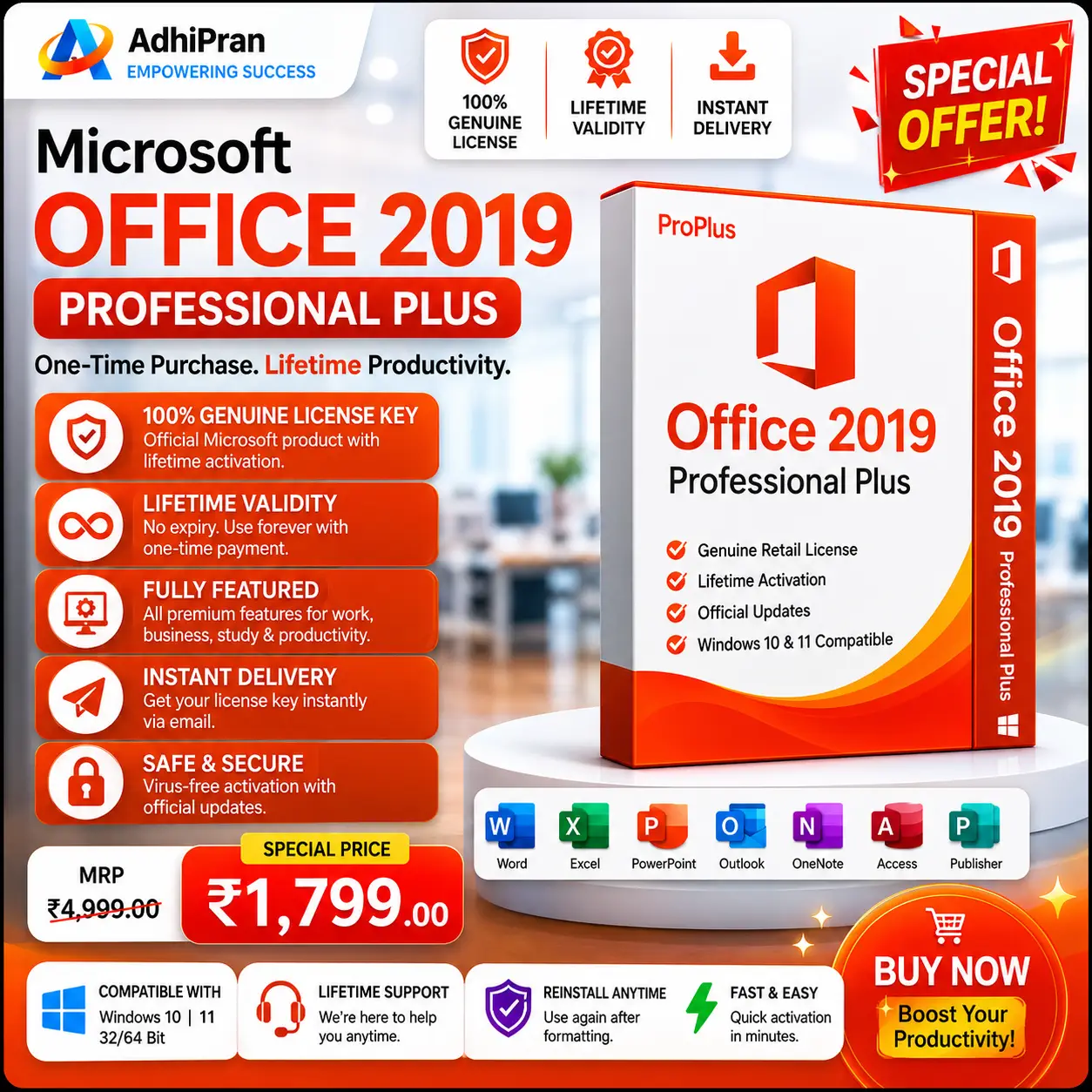
If you are looking for a reliable, no-frills office suite and want to avoid the commitment of a subscription, Microsoft Office 2019 Professional Plus remains a very capable workhorse. It offers a great set of tools for a one-time price, though it is important to be aware that Microsoft officially ended security support for this version in October 2025.
If your priority is cost-efficiency and you are comfortable managing a system without current security patches, this release is a solid, proven option that includes robust tools like Publisher and Access.
Why Choose Office 2019 Pro Plus?
The core appeal here is the one-time purchase model. There are no recurring fees, no cloud-dependency traps, and you own the license for your machine.
Highlighted Features
-
PowerPoint Creativity: Access Morph and Zoom transitions to create cinematic, non-linear presentations that feel much more professional than standard slide-to-slide jumps.
-
Focus Mode: A fantastic feature in Word that dims the interface, allowing you to write distraction-free.
-
Advanced Inking: Whether you use a stylus or your finger, the enhanced inking features make annotating and drawing across all apps feel fluid and natural.
-
Professional Toolkit: Unlike the “Home” versions, this Professional Plus edition includes the full suite, including Publisher for layout design and Access for database management.
Quick Comparison: Where does it stand?
If you are trying to decide which perpetual release best fits your workflow, this table breaks down the differences.
| Feature | 2016 | 2019 | 2021 | 2024 |
| Word, Excel, PPT | Yes | Yes | Yes | Yes |
| Publisher & Access | Yes | Yes | Yes | Access Only |
| Morph & Zoom (PPT) | No | Yes | Yes | Yes |
| Dark Mode | No | No | Yes | Yes |
| XLOOKUP | No | No | Yes | Yes |
| Security Support | Ended | Ended | Oct 2026 | Oct 2029 |
What’s Included in the Suite
-
Word: Professional document creation and editing.
-
Excel: Spreadsheets, data analysis, and formula-based logic.
-
PowerPoint: Dynamic slideshows with advanced transitions.
-
Outlook: Comprehensive email and calendar management.
-
OneNote: Digital note-taking and research organization.
-
Access: Database creation and management.
-
Publisher: Desktop publishing and design tools.
Essential Logistics
-
Compatibility: Designed for Windows 10 and Windows 11. (Not compatible with macOS, Windows 7, or 8.1).
-
Delivery: Instant digital delivery via email.
-
Security Note: Please remember that while the software is fully functional and stable, it no longer receives security updates. If you are handling highly sensitive data, you may want to consider a newer version with active support.
-
Installation Tip: To ensure a clean setup, please uninstall any previous versions of Office on your computer before installing the 2019 version to avoid software conflicts


Reviews
There are no reviews yet.